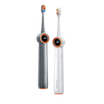
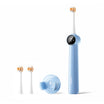


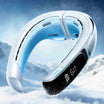
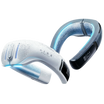





The short answer: The best neck fan is the one whose cooling method, fit, weight, noise and real runtime match where and how long you will wear it.
Online listings make many neck fans look equal. They are not.
Two models can have the same battery size and very different runtime. A faster motor can create more noise without sending more air to the skin. More cooling plates can add weight without improving contact.
The best portable neck fan is not the product with the biggest number. It is the product that fits your body and your use case.
This guide turns common marketing claims into ten checks. You can apply them to any brand or model.
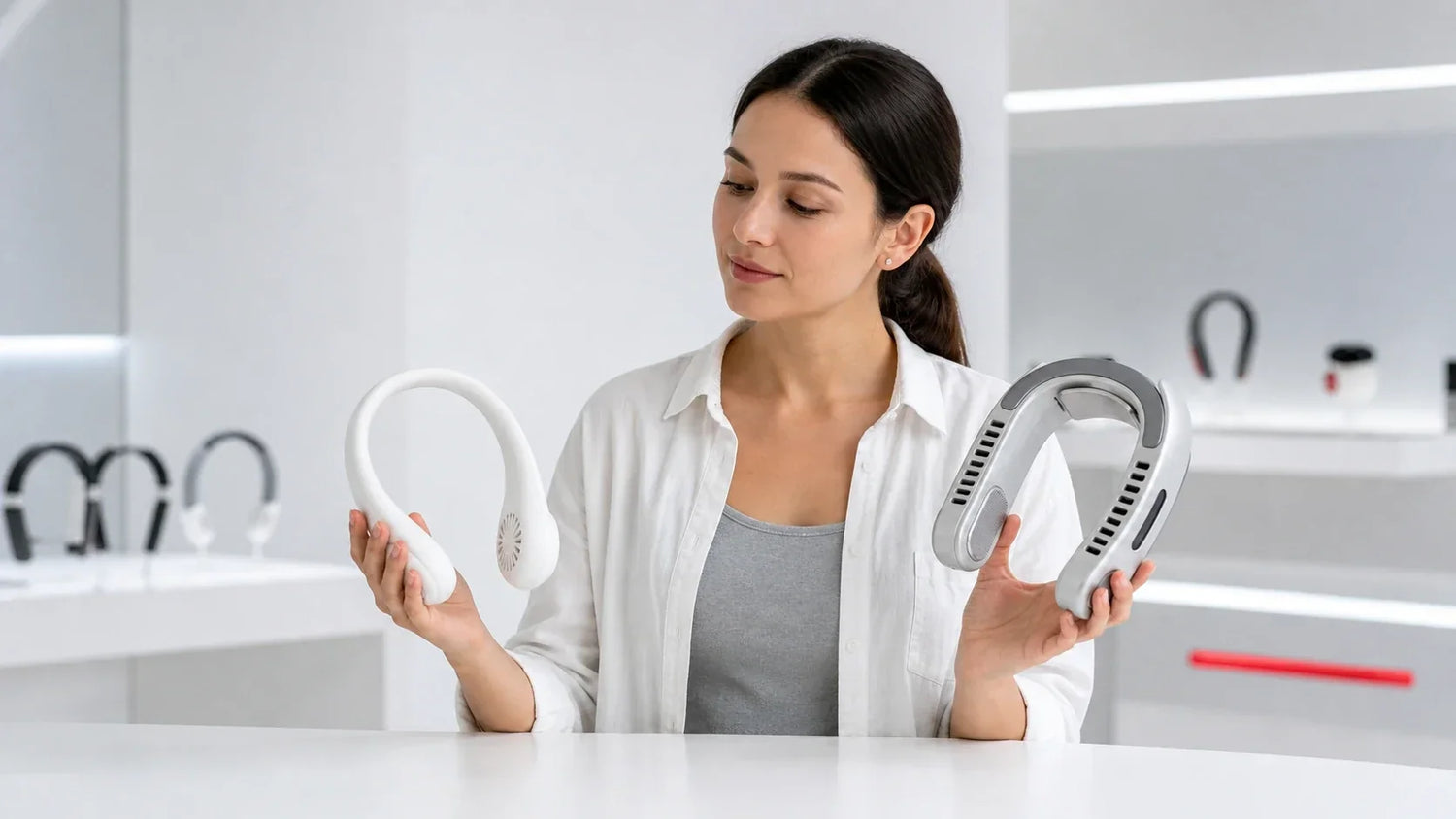
First choose fan-only or active cooling
Do this before comparing prices or battery capacity.
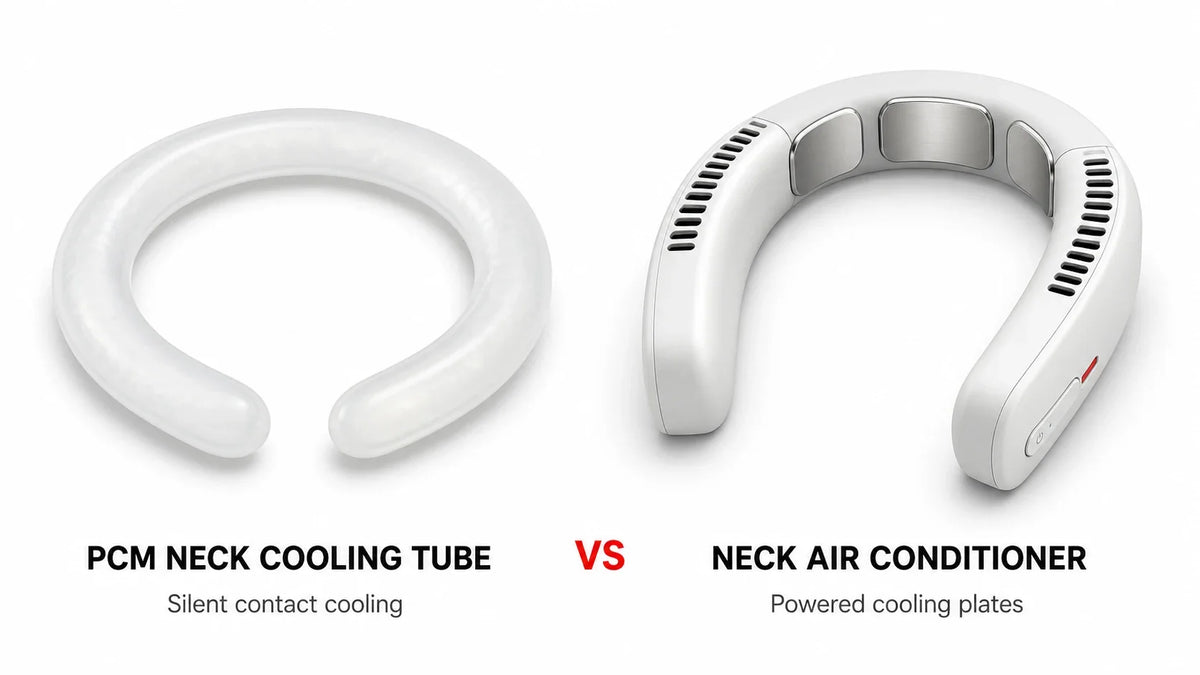
A fan-only model moves surrounding air. It can improve comfort by breaking up the warm layer near the skin and helping sweat evaporate. Controlled research has found local comfort benefits from wearable neck airflow under defined warm indoor conditions.[1]
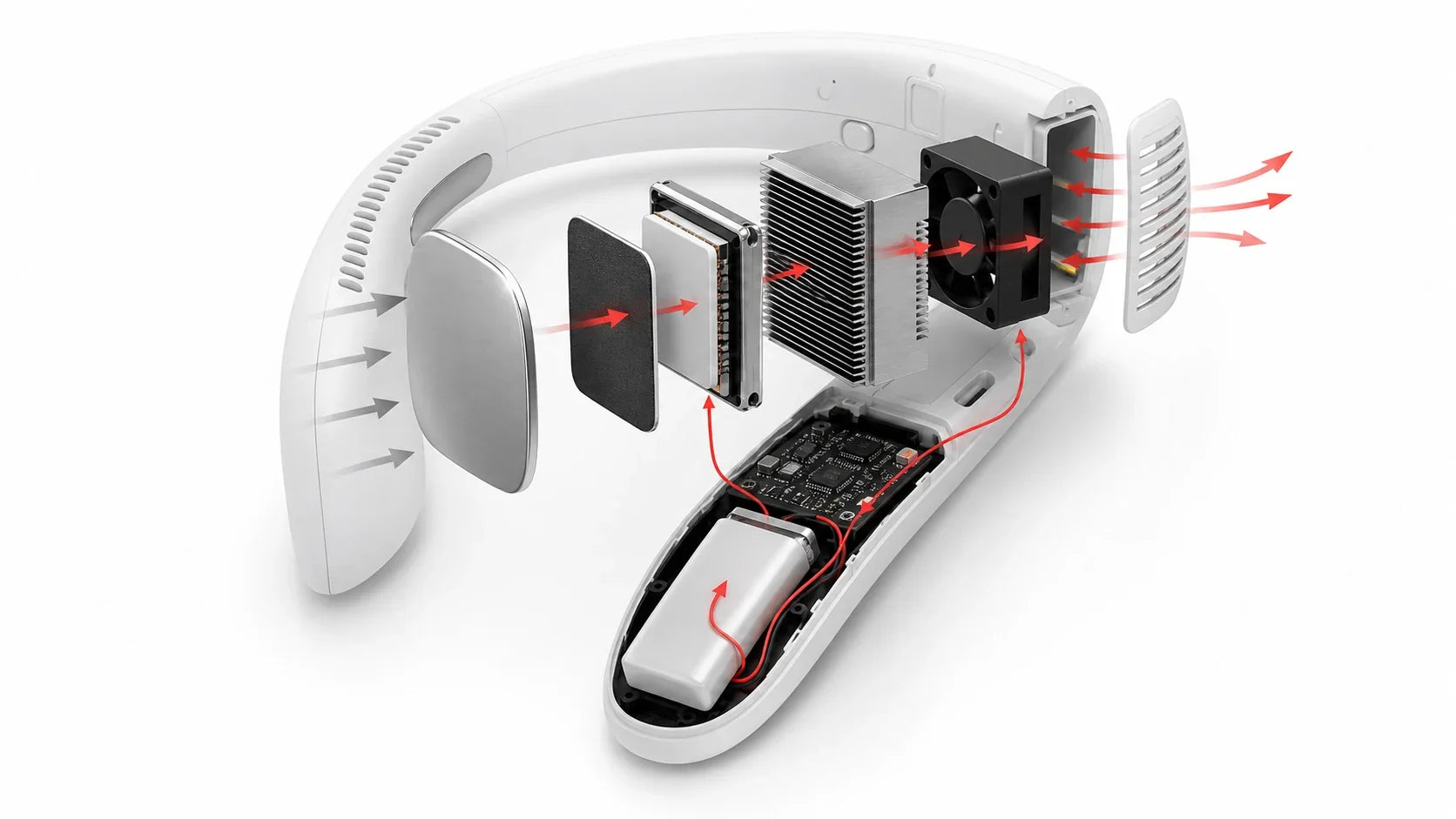
An active-cooling neck air conditioner adds thermoelectric plates. These plates move heat away from the areas they touch. The warm side then releases that heat through a heat sink and fan.[2][3]
The two categories solve different needs.

| Choose fan-only when | Choose active cooling when |
|---|---|
| You mainly want a breeze | You want a clear cold contact sensation |
| Low weight is a priority | You accept more weight for stronger local cooling |
| You need longer fan runtime | You can recharge more often |
| Your budget is limited | You are paying for plates, heat sinks and thermal controls |
| You dislike cold surfaces on your skin | You want cooling that is less dependent on sweat evaporation |
Some products combine both methods. A hybrid can be useful, but active cooling still adds power demand and thermal hardware.
If the category difference is unclear, compare a neck fan vs neck air conditioner before using this checklist.
The 10 features that matter
Use the same ten fields for every product. Do not let one listing replace missing data with a larger marketing claim.

1. Cooling mechanism
Ask what the device actually does.
A portable neck fan usually moves ambient air. A neck air conditioner usually adds Peltier cooling plates. A product may also include a heating mode.
The words cooling, ice feel or air conditioner do not identify the mechanism by themselves.
Look for:
-
a clear statement of fan-only, thermoelectric or hybrid operation;
-
photos that show the air outlets and cooling plates;
-
separate controls for airflow and active cooling; and
-
test results that distinguish outlet airflow from plate temperature.
Avoid claims that suggest a fan refrigerates the room. Most neck devices manage local comfort only.
2. Cooling area and temperature control
Active plates cool only where they touch.
Plate count is easy to advertise. Contact area is more useful.
Ask for the total plate area and placement. Then check whether those plates can stay against your neck while you walk or turn your head.
A large plate with poor fit may transfer less heat than a smaller plate with stable contact.
Temperature control matters too. Several usable levels are better than one aggressive cold setting. A stable moderate mode may remain comfortable longer.
For any temperature claim, ask four questions:
-
What was the room temperature?
-
Was the plate touching a test surface or unloaded?
-
How long did the test run?
-
Was the value a lowest point or a stable average?
A bare or unloaded plate can cool quickly. Skin contact adds a continuous heat load.
3. Airflow path and hair protection
Peak motor speed does not tell you how air reaches the wearer.
Check the full path. Air enters through an intake, moves through the housing and leaves through an outlet.
Each section can reduce useful flow.
Look for:
-
outlets aimed at the sides and back of the neck;
-
intakes that remain clear around clothing;
-
enclosed internal impellers near long hair;
-
easy-to-clean vent openings; and
-
adjustable arms or vents when your use changes.
A “bladeless” design usually means no exposed propeller. It can reduce direct hair contact, but hair can still cover an intake.
Tie back long hair during a fit test. Wear the collar or backpack you use most often. Check whether either blocks the airflow.
Do not judge airflow only with a hand held next to one outlet. Test whether the air reaches your neck and lower face in a normal posture.
4. Weight, balance and neck size
Ready-to-use weight matters more than product size.
The device sits close to the neck for long periods. A small difference can become noticeable after 20 or 60 minutes.
Balance matters as much as total weight. A front-heavy product can bounce while walking. A back-heavy model can press against the upper spine.
Check:
-
total product weight with the battery installed;
-
weight distribution across the shoulders;
-
internal neck opening and adjustment range;
-
contact pressure at the sides and back; and
-
stability while walking, looking down and turning your head.
Do not assume one flexible arm fits every user. Neck width, shoulder slope and clothing change the contact points.
If a product has cooling plates, confirm that they touch without pinching. Stop the fit test if you feel pain, numbness or skin irritation.

5. Battery life in the mode you need
Battery capacity is not the same as runtime.
A 5000 mAh battery can outlast or underperform another 5000 mAh battery. Voltage, motor power, thermoelectric load and control logic all matter.
When voltage is known, convert capacity to watt-hours:
Wh = battery voltage × amp-hours
For example, 5000 mAh is 5 Ah. The watt-hour result still does not reveal runtime until you know power draw.
Ask for separate runtime figures for:
-
low, medium and high fan speeds;
-
fan-only mode;
-
balanced active cooling; and
-
maximum active cooling.
Also ask whether the device reduces performance as the battery falls.
Choose from your actual schedule. A one-hour commute needs a different battery plan from an eight-hour event.

6. Charging port, protocol and cable
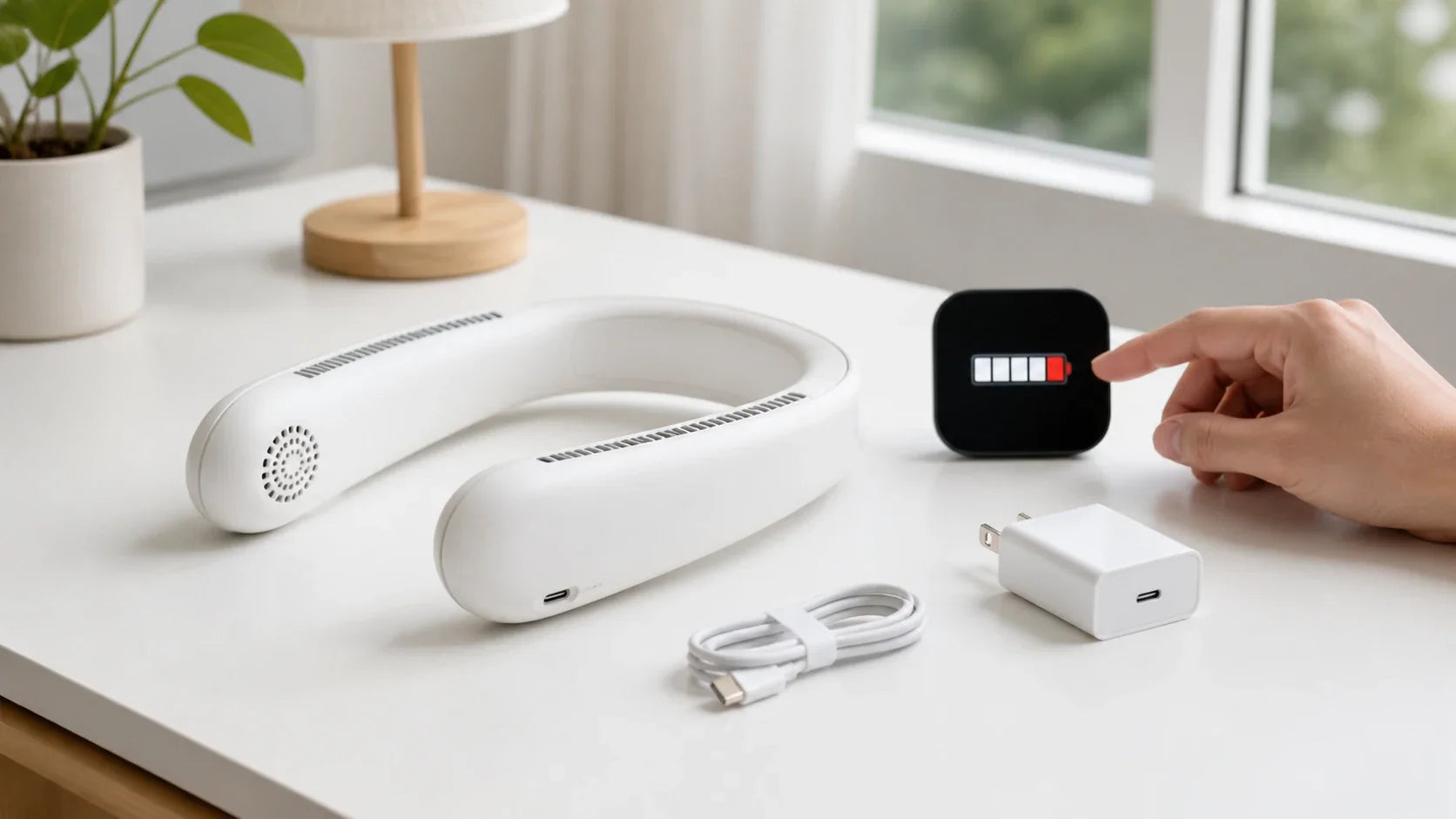
USB-C is a connector shape. It does not guarantee one charging speed.
USB Power Delivery allows compatible devices and power sources to negotiate the power the device requests.[4] The neck fan, charger and cable still need compatible profiles.
Check:
-
the required input voltage and current;
-
whether USB Power Delivery is supported;
-
the included cable and adapter;
-
full charging time;
-
whether charging from a power bank is supported; and
-
whether the device can operate while charging.
Do not assume any high-wattage charger is automatically suitable. Follow the model’s instructions.
Avoid loose or rewrapped lithium-ion cells. CPSC has warned that loose 18650 cells can lack consumer protection circuits and can short, overheat or enter thermal runaway.[5]
Stop charging if you notice swelling, a burning smell, smoke, liquid entry or unusual heat.
7. Noise at useful settings
The motors sit close to your ears. This makes noise more noticeable than the same sound across a room.
A single decibel number needs context.
Ask which mode was measured. Ask where the microphone was placed. Ask about the background noise floor.
Then perform three practical checks:
-
Can you hold a normal conversation?
-
Can you hear traffic and announcements?
-
Does the motor create a sharp tone that becomes tiring?
Peak airflow is not always the best setting. A lower stable mode may create better average comfort because you will actually keep it running.
For desk work, prioritize low-mode sound quality. For commuting, prioritize awareness. For video calls, check whether the microphone captures airflow.

8. Controls and everyday usability
A feature is useful only if you can reach it while wearing the device.
Look for separate, clearly spaced controls. You should be able to identify fan and cooling modes without removing the product.
Useful features can include:
-
physical buttons with clear feedback;
-
a simple battery indicator;
-
memory for the last comfortable mode;
-
a lock against accidental presses;
-
foldability or a protective case; and
-
optional app control that does not block basic operation.
More modes are not automatically better. Three predictable levels can be easier to use than many poorly explained combinations.
Check startup behavior too. A device should not jump to an uncomfortable maximum setting without warning.
9. Cleaning, moisture and safety information
Neck devices collect sweat, sunscreen, skin oil, dust and hair.
Look for smooth contact surfaces and reachable vents. Check whether the manual explains cleaning materials and no-water areas.
An IP rating, if provided, has a specific test scope. It does not automatically mean the product can be washed or submerged.
Active cooling may create condensation when a plate falls below the local dew point. The design should manage moisture without sending it into vents or electronics.
Before buying, find:
-
cleaning instructions;
-
water and sweat limits;
-
operating-temperature limits;
-
battery warnings;
-
guidance for children or users with sensitive skin; and
-
clear conditions for stopping use.
A retail neck fan is a comfort device. It is not a substitute for room cooling or a heat-safety program. NIOSH identifies temperature, humidity, sun, limited airflow, exertion, clothing and personal factors as contributors to heat stress.[6]
10. Price, warranty and support
Price should follow the cooling mechanism and evidence.
Fan-only products are usually less expensive. Active-cooling models add plates, heat sinks, sensors and higher power demand.
Current prices change with sales and region. As one dated example, the TORRAS US collection showed a fan-only neck model at $69.99 and active-cooling models from $169 to $279 on August 14, 2026.[7][8] This illustrates the category gap. It is not a universal market range.
Compare what the price includes:
-
return period;
-
warranty duration and exclusions;
-
local support contact;
-
replacement cable availability;
-
published manuals and specifications; and
-
a traceable seller or authorized channel.
A cheaper product can cost more if it has no useful return process. A premium price is also hard to justify without measurable cooling, fit data and support.
Treat prices as a final filter. Start with mechanism, fit and runtime.
A one-page neck fan buying checklist
Use this table while comparing product pages. Score each item from 0 to 2.
-
0: missing or unsuitable;
-
1: acceptable with a trade-off; and
-
2: clearly documented and suitable.
| Check | Question to answer | Score |
|---|---|---|
| 1. Mechanism | Is it fan-only, active cooling or hybrid? | /2 |
| 2. Cooling area | Where does air or plate contact reach? | /2 |
| 3. Airflow and hair | Are intakes clear and impellers enclosed? | /2 |
| 4. Fit and balance | Does it stay comfortable for at least 20 minutes? | /2 |
| 5. Real runtime | Is runtime listed for the mode you will use? | /2 |
| 6. Charging | Are input requirements and compatibility clear? | /2 |
| 7. Noise | Is the useful mode acceptable for your setting? | /2 |
| 8. Controls | Can you operate it easily while wearing it? | /2 |
| 9. Care and safety | Are cleaning, moisture and stop-use rules clear? | /2 |
| 10. Support | Are price, return terms and warranty reasonable? | /2 |
| Total | Do not average away a safety or fit failure. | /20 |
A high score does not rescue a product that hurts, blocks awareness or lacks safe charging instructions.
Use the score to compare suitable models. Do not use it to approve an unsuitable one.
How to compare three models in five steps
This process keeps the decision simple.
Step 1: Write down your real use case
Record the location, session length, humidity, activity and acceptable weight.
Step 2: Remove the wrong cooling category
Choose fan-only, active cooling or hybrid. Do not compare all three as if they offer the same sensation.
Step 3: Apply the four pass-or-fail checks
Reject a model if fit, hair clearance, charging information or return support is unacceptable.
Step 4: Score the remaining models
Use the 20-point checklist. Keep notes beside each score.
Step 5: Compare current evidence and price
Read the full test conditions. Then compare price, warranty and seller support on the day you buy.
After completing the checklist, review our best neck fans and neck air conditioners by scenario and cooling type.
Features that should not decide the purchase alone
Some numbers are easy to promote and hard to interpret.
Do not choose from these alone:
-
maximum motor RPM;
-
the total number of vents;
-
one unloaded plate temperature;
-
battery capacity without voltage or mode runtime;
-
a noise number without mode and distance;
-
the number of negative ions;
-
the word bladeless; or
-
a “surround cooling” angle without an airflow map.
Ask what each feature changes for the wearer. If the listing cannot answer, do not award extra value.
Frequently asked questions
What is the best neck fan to buy?
Start with the cooling method. Then choose the model that fits your neck, keeps vents clear, provides acceptable low-mode noise and lasts through your real session. Use current test data instead of one peak specification.
How much should a good neck fan cost?
There is no universal price. Fan-only products usually cost less than active-cooling models. In one official US collection checked August 14, 2026, the examples were $69.99 for fan-only and $169 to $279 for active cooling.[7][8]
What battery size is enough?
Choose by mode-specific runtime, not mAh alone. A fan-only commuter model and a maximum-cooling thermoelectric model can use the same capacity at very different rates.
How many cooling plates do I need?
There is no ideal count for every neck. Total contact area, placement, pressure and hot-side heat rejection matter more than plate count alone.
Is the best portable neck fan always the lightest?
No. Low weight helps, but poor balance, weak airflow or short runtime can make a lighter product less useful. Compare ready-to-use weight and load distribution together.
Does a higher fan speed mean better cooling?
Not always. Air must reach the skin. Higher speed can also increase noise and battery use. The best setting is often the strongest level you can wear comfortably for the whole session.
Can I use any USB-C charger?
Do not assume so. USB-C devices can support different voltage, current and Power Delivery profiles. Follow the input specification and charging instructions for the exact model.[4]
The bottom line
The best neck fan to buy is not defined by one specification.
Choose the cooling mechanism first. Then check area, airflow, fit, runtime, charging, noise, controls, care, price and support.
Reject unclear safety or fit information. Score only the models that pass those basic checks.
Next step: Use this checklist while reviewing the best neck fans and neck air conditioners for your commute, travel, desk or outdoor routine.
Sources
[2] Ferrotec, “Introduction to Thermoelectric Cooling,” Thermoelectric Technical Reference Guide.
[3] Ferrotec, “Heat Sink Considerations,” Thermoelectric Technical Reference Guide.
[4] USB-IF, “USB Charger (USB Power Delivery),” accessed August 14, 2026.
[5] U.S. Consumer Product Safety Commission, warning on loose 18650 lithium-ion cells, January 8, 2021.
[6] NIOSH, “Heat Stress and Workers,” accessed August 14, 2026.
[7] TORRAS COOLiFY neck fan collection, US prices accessed August 14, 2026.
[8] TORRAS COOLiFY neck air conditioner collection, US prices accessed August 14, 2026.